
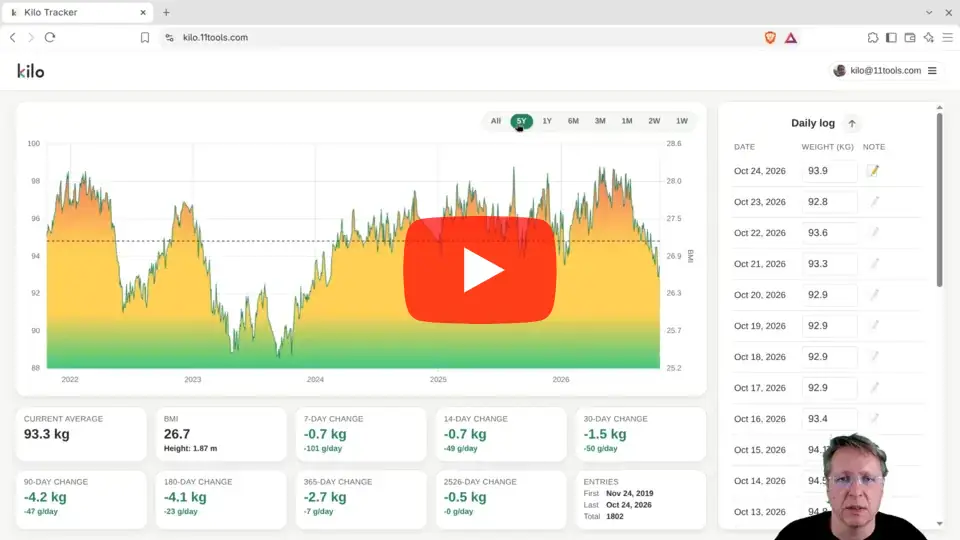
The last few days, I’ve been busy creating a video tutorial for the Kilo Tracker App. I ran into all sorts of technical issues with my video/sound/lighting setup, which I was eventually able to resolve.
You can watch the result on Youtube.
Kilo Tracker is a free, open-source weight tracker that shows the trend behind the daily ups and downs. In this demo I show how to sign in, log your weight, import years of history, read the BMI-coloured chart, share a public chart, and take your data with you.
No password (you sign in with a 6-digit code by email), no ads, no trackers, no external scripts. Your email address is only stored as a SHA-256 hash. Works on phone and computer, in 15 languages, and you can host it yourself.
Chapters
0:00 Intro
0:20 Signing in with a code by email
0:51 First weigh-in, notes and emoji
1:40 Filling in a week
2:18 Importing from The Hacker's Diet Online
2:47 Your height, BMI and the coloured chart
3:22 More history: ranges and stat boxes
5:32 Dark mode and the moving average
6:28 Sharing a public chart and embedding it on your website
7:54 Exporting your data
8:10 On your phone
8:44 15 languages
9:58 Free, open source and self-hosting
10:24 Privacy
10:51 Removing your data, and importing it again
12:30 Why I built Kilo (The Hacker's Diet Online and Yet Another Diet Tool)
13:14 Thanks for watching
Try it: https://kilo.11tools.com
Source code and self-hosting instructions: https://github.com/ramondevries/kilo
Contact: ramon@11tools.com